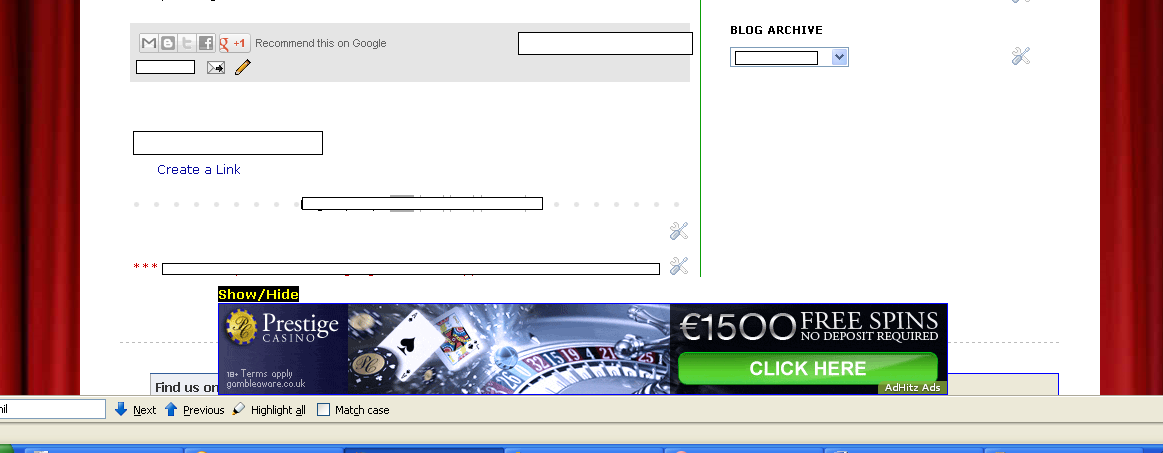
go to your blogger dashboard and then select loyout tab and then click gadget
and then choose html /javascript gadget
and then copy and past below code
Select show/hide html code start
<script language="javascript">
function showOrHide()
{
var div = document.getElementById("showOrHideDiv");
if (div.style.display == "block")
{
div.style.display = "none";
}
else
{
div.style.display = "block";
}
}
</script>
<div style='position:fixed;left:300px; bottom:0px;'>
<a href="javascript:showOrHide();">
<font size="2" style="BACKGROUND-COLOR: black" color="yellow">
<b>
function showOrHide()
{
var div = document.getElementById("showOrHideDiv");
if (div.style.display == "block")
{
div.style.display = "none";
}
else
{
div.style.display = "block";
}
}
</script>
<div style='position:fixed;left:300px; bottom:0px;'>
<a href="javascript:showOrHide();">
<font size="2" style="BACKGROUND-COLOR: black" color="yellow">
<b>
Show/Hide <-- show hide title code
</b>
</font>
</a>
<div id="showOrHideDiv" >
<div style="background-color:white;position:relative;width:728px;height:90px;border:1px solid blue;">
google or chitika ad code here
</div>
</div>
</div>
</b>
</font>
</a>
<div id="showOrHideDiv" >
<div style="background-color:white;position:relative;width:728px;height:90px;border:1px solid blue;">
google or chitika ad code here
</div>
</div>
</div>
Select show/hide html code End